New Google Features Announced at ISTE Live 2026
Next week is ISTE Live 2026 in Orlando, Florida. ISTE Live is an annual EdTech event where over 17,000 people attend to hear and see what over 2000 presenters and 1100 companies have for the year ahead.
During the event, the Google for Education team announced some amazing new features coming to the Google Workspace for Education ecosystem. Check out the Launch Guide for details on every feature and when they are expected to be released.
At Deploy Learning, we love NotebookLM so we have also made some resources using the Studio in NotebookLM to help you get an overview of the new releases.
- Audio Brief – ISTE 2026 TL:DR Audio Brief.m4a
- Infographic – ISTE 2026 Launch Overview.png
Here our our top feature updates from the recent announcements 📣
Google Classroom
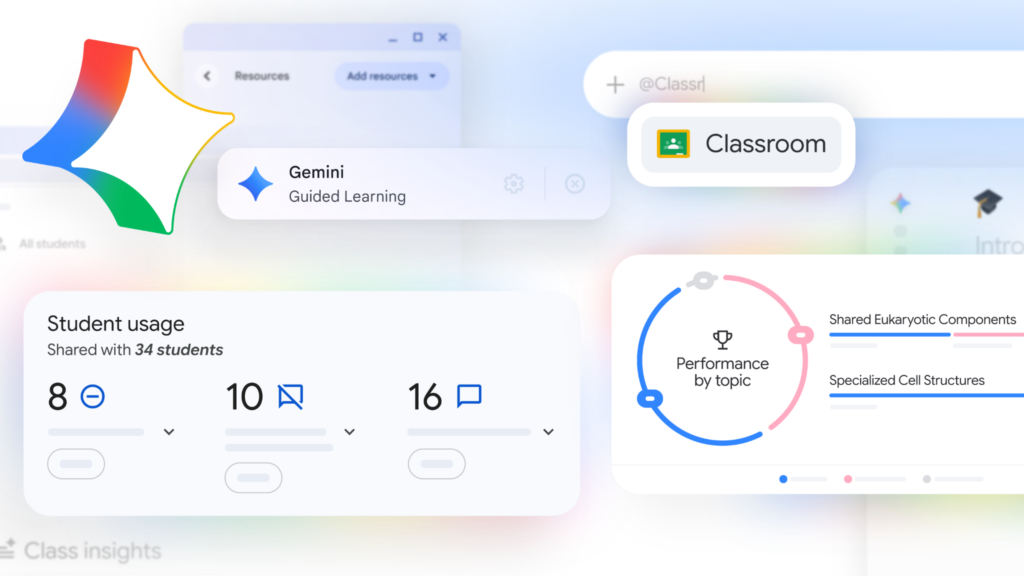
There are some big updates to Google Classroom starting with a brand new home interface rolling out over the coming weeks. This new interface will have many insights including whether students are handing in assignments. For example, you will also see if they haven’t logged in for a while and Gemini in Classroom will then provide suggested check-in activity based on your Classroom content.
Some other big highlights within Google Classroom are:
- Gemini in Classroom for Students
Availability: All Google Workspace for Education users
Schedule: Gradual rollout starting now
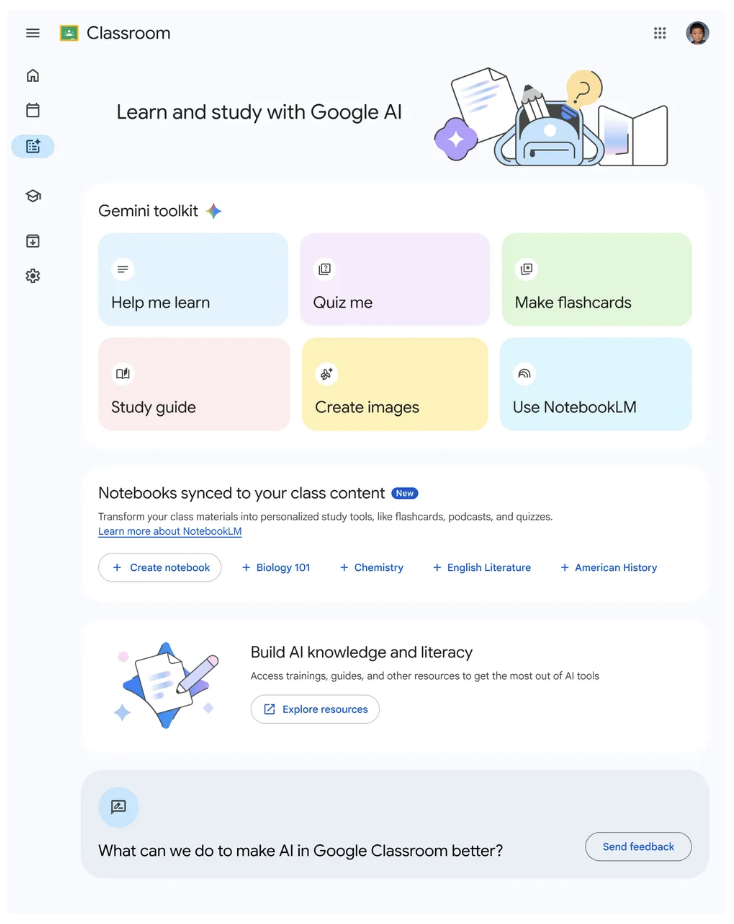
Last year Google provided educators access to Gemini within Google Classroom in the form of integrated starter prompts. Coming very soon will be the ability for students to access their own version of starter prompts that will use the context of their Classroom materials. Students will see features like help me learn, quiz me, make flashcards, create images and generate a study guide.
All students will be able to access these capabilities through both the Classroom mobile application and their web browser. Be mindful that administrators can still control which students can see AI features through the Google Admin Console.
- Study Notebooks
Availability: All Google Workspace for Education users
Schedule: Gradual rollout starting now
There is a brand new type of notebook coming to Google Workspace for Education called Study Notebooks (coming in early July). Both students and teachers will be able to generate this type of notebook based on class materials.
In this type of notebook, students get a quiz to start that checks for their level of understanding. Once this is complete a dashboard of focus areas, quizzes and bite sized lessons appears. As students interact with the lessons and quizzes the dashboard continues to update.
Another new feature coming soon to NotebookLM will allow educators to create a notebook at the Class level that stays up to date with Classroom material.
- Teacher-led Guided Learning
Availability: All Google Workspace for Education users
Schedule: Coming soon
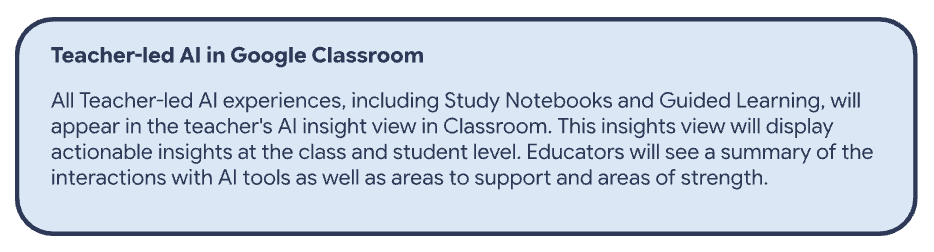
Coming soon will be the ability to provide students with extra support with Gemini’s Guided Learning directly in Google Classroom and using your own content. Guided Learning is a tool within Gemini that breaks down problems step-by-step and encourages students to develop their own thinking, rather than giving the answer. This feature is proven to drive learning outcomes, offering real-time support when students struggle with concepts and students stay focused with a distraction-free view.
- Guided Learning with Class Tools
Availability: Google Workspace for Education Plus and Managed Chromebooks
Schedule: Gradual rollout starting in July
An additional feature launching for teachers and students with Chromebooks will be the ability to assign this through Class Tools for a more focussed lesson. The teacher will have the option through Class Tools of the full Gemini experience or just Guided Learning.
- Read Along in Classroom
Availability: All Google Workspace for Education users, Education Plus users will have additional features and diagnostics available
Schedule: Coming soon
Read along is rolling out to be available in Google Classroom as part of Google Workspace for Education Fundamentals.
There are some new languages (Italian, Hindi, Telugu and Gujarati) coming over the next few weeks in Read Along.
A big request from educators has been to have Diya (reading assistant) speak with local accents and this will be rolling out over the coming weeks, she’ll even have an Australian accent. Diya is also getting an upgrade with more human-like narration to help minimize listening fatigue, model fluent decoding, and bring the story’s emotional cues to life.
The ability to generate a story has been available for a while but this feature will very soon also produce vibrant visuals instantly using Gemini to captivate your students.
Advanced analytics, like viewing student’s progress over time or across assignments and the ability to extract data via BigQuery, are only available with Education Plus and Teaching & Learning add-on.
Gemini for Education
Some great new features are coming to Gemini for Education that follow on from some strong feature requests by educators around the world.
- Google Classroom app in Gemini
Availability: All Google Workspace for Education users
Schedule: Rolling out now
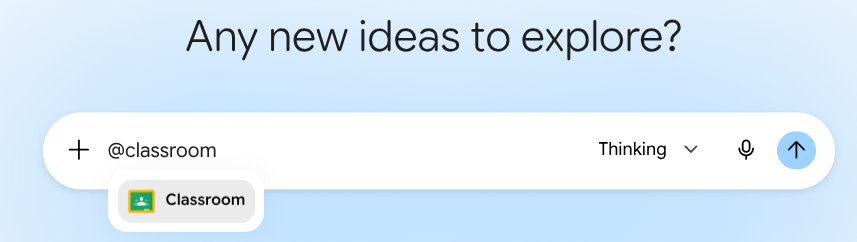
This feature has already started rolling out but it is one of our favourites. Type @Classrooom in the Gemini chat interface to pull in context from Classroom and help create content based on your Classroom environment. You can also use this feature to analyse how your students are tracking based on data from assignments etc.
- Gemini Canvas
Availability: All Google Workspace for Education users
Schedule: Rolling out now
Over the past few weeks you may have noticed that the option to share your Google Gemini chats has become available with the sharing interface we are used to within Google Workspace. This is now extending out to Gemini Canvas, allowing teachers and students to share their Gemini Canvas creations.
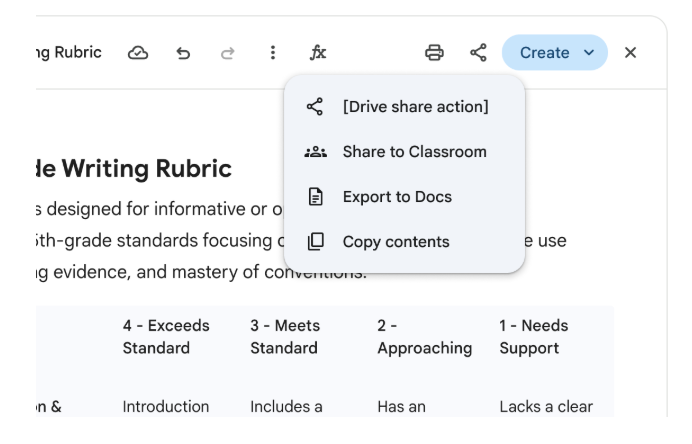
Coming very soon will be the option to share Gemini Canvas to Google Classroom. Educators will be able to create Material or Assignments in Google Classroom using Gemini Canvas. To make this feature even better our students can even share their own Gemini Canvas creations as a submission within their Google Classroom Assignments.
Don’t know what version of Google Workspace for Education you have? Speak to us about getting about Education Plus and the Google AI Pro for Education add-on for your school!
Stay Curious!
Deploy Learning is partnering with Google Australia to elevate your teaching skills and future proof your career. Click here to explore and register for our free-of-charge events and workshops in 2026.
📖 Learn on your own time – Head over to our online courses store to check out the different courses we have on offer from our Level 1 and 2 Google Certified Educator Courses to Intro to Gen AI or Google Classroom Masterclass to the Essentials with Docs, Sheets, Gmail and Slides.
🤝 Professional Development – Reach out to us to discuss how we can partner with your school to support your professional development journey.
📣 Events – Watch this space! The 2026 Summits will be announced soon. Follow us on LinkedIn or Instagram for more information.