Part 2: Have You Tried These New Classroom Superpowers?
Did you see our last Google Classroom Superpowers blog? We explored the exciting new AVS (audio, video and screen recording) updates in Google Classroom. You can check that blog out here! This time we are going to go a step further into some hidden Gemini-powered features to truly save you time and level up your online learning space!
In this blog, we are going to explore Gemini inside Google Classroom, generating rubrics from ANY file and adding Notebooks or Gemini Gems to student learning experiences to dive deeper into content.
⏩ Gemini in Google Classroom
Gemini is a powerhouse for connecting AI and education. Quickly create resources and explore topics within Google Classroom, ready to add to your lessons.
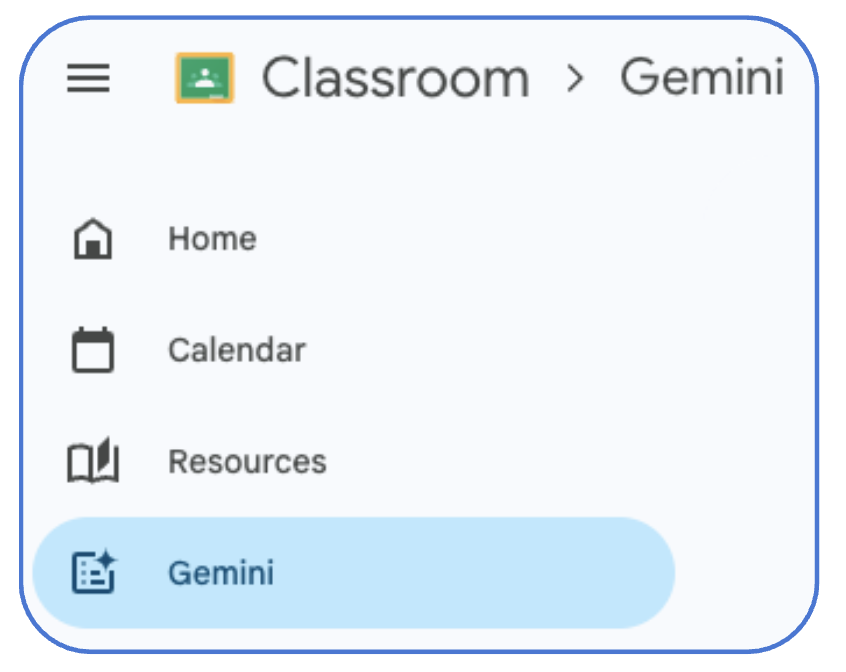
Find Gemini on any Classroom page on the left side – Some of our favourite features include:
- Generate a quiz – Create a quiz in seconds! What’s great about creating quizzes with Gemini is that it generates learning objectives from your concepts, ensuring it aligns with the topic you want to cover. It creates a range of question types to ensure students have a chance to explain their thinking in different ways.
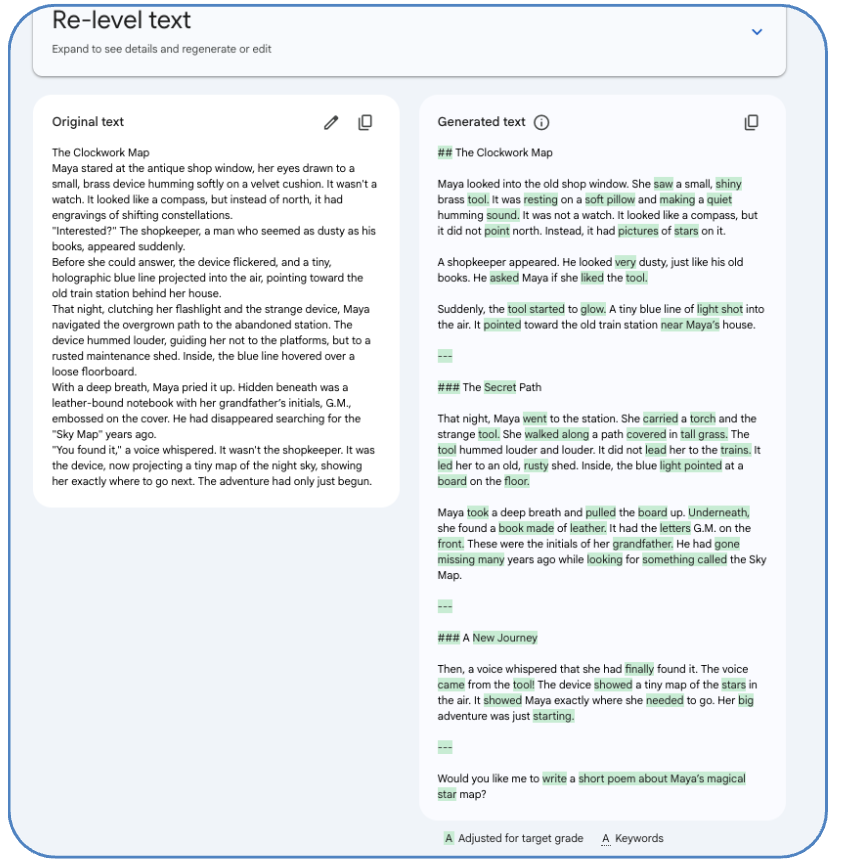
- Re-level a text – Preparing for your day and you forgot to include an adjustment? Quickly re-level a class text within Google Classroom by pasting in the text or uploading from Drive, adding your target year level and done! You can also tell Gemini what keywords to keep in the text to ensure it is hitting the curriculum you need.
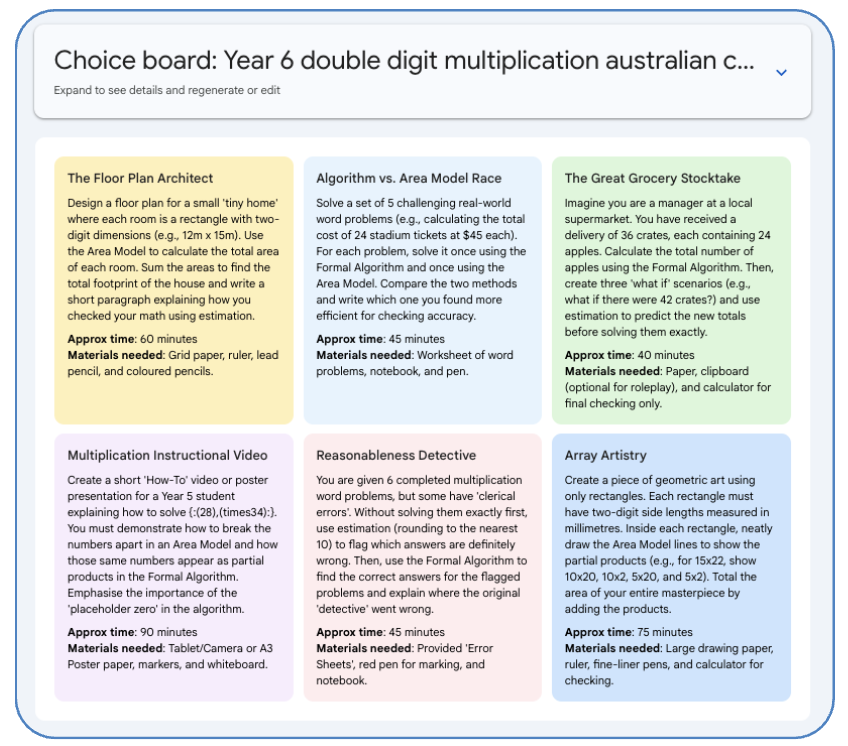
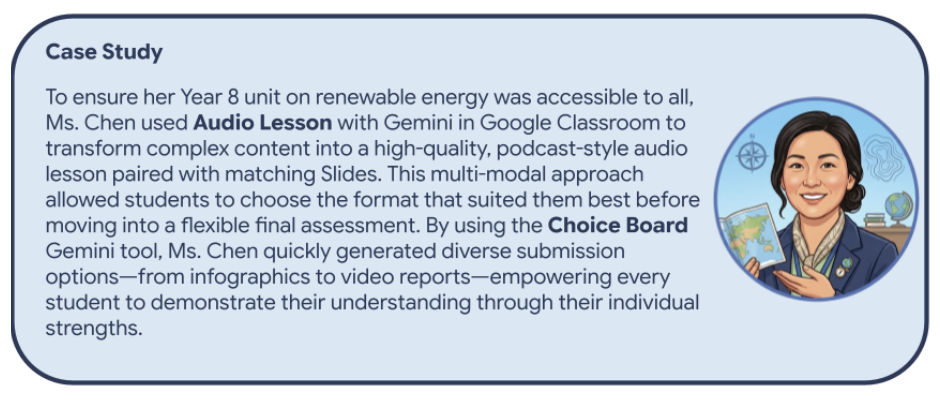
- Create a Choice Board – A choice board is a great way to easily add Universal Design for Learning to your classroom. Create a choice board in minutes with Gemini by simply adding your topic, attaching any instructional material or resources and generate!
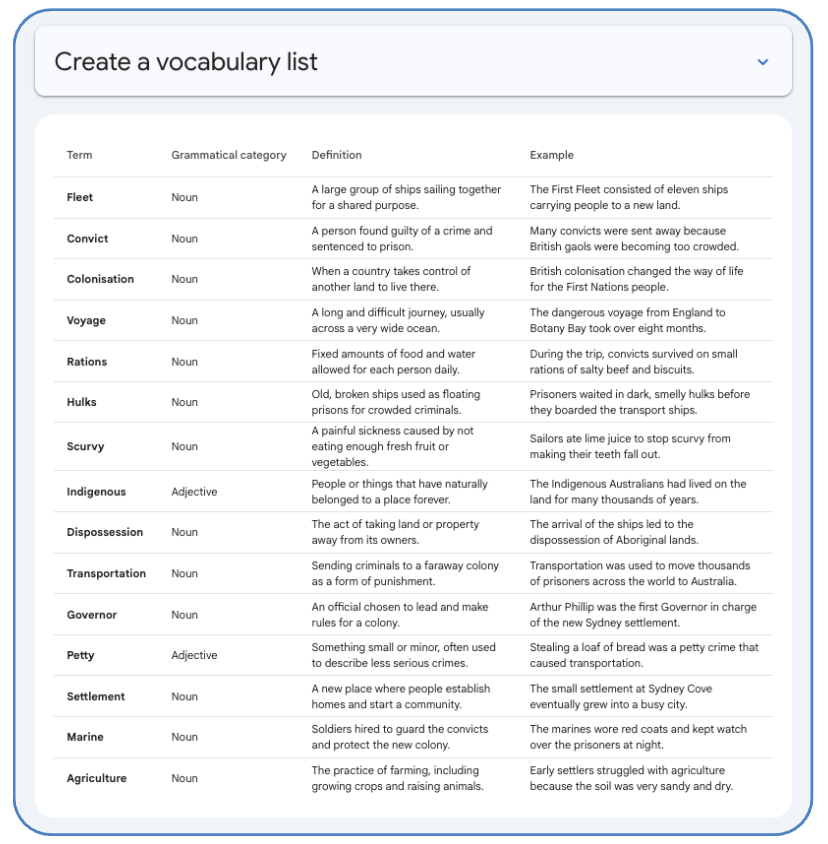
- Create a Vocabulary List – What I love about creating a vocab list in Google Classroom with Gemini is that I don’t have to search through my units to find those keywords then paste definitions back and forth into my document or to start constructing my Learning Wall. Add your year level, supporting resources if you want and Gemini will generate a key vocabulary list with definitions AND an example ready to add to your supporting learning materials. Use the document to guide creating keyword learning materials for your class or paste the document in books for students to refer to!
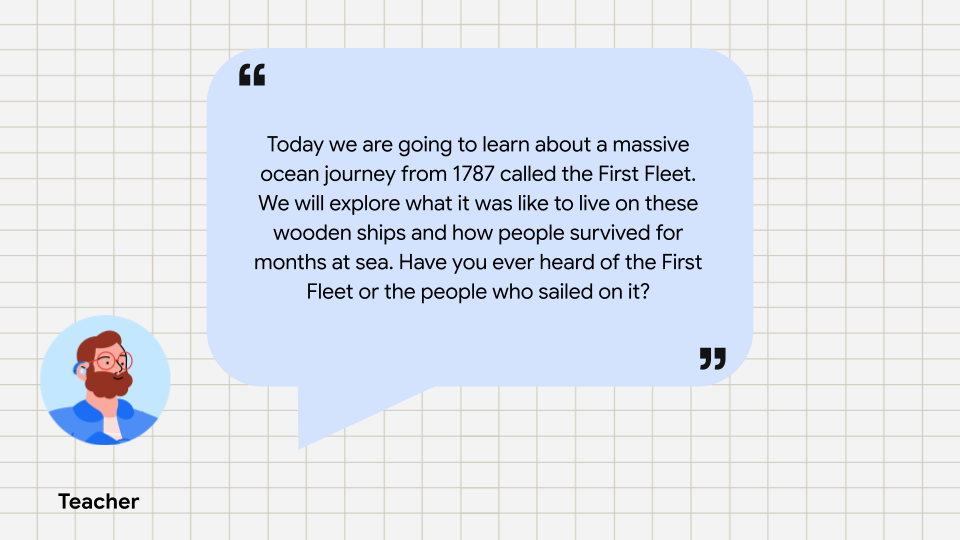
Create an audio lesson – One of my favourites! Bring inclusive practices and UDL engagement to your classroom easily with audio lessons! No more downloading from NotebookLM to add, create a podcast-style lesson right in Google Classroom in minutes
Click here to listen to an example audio lesson.
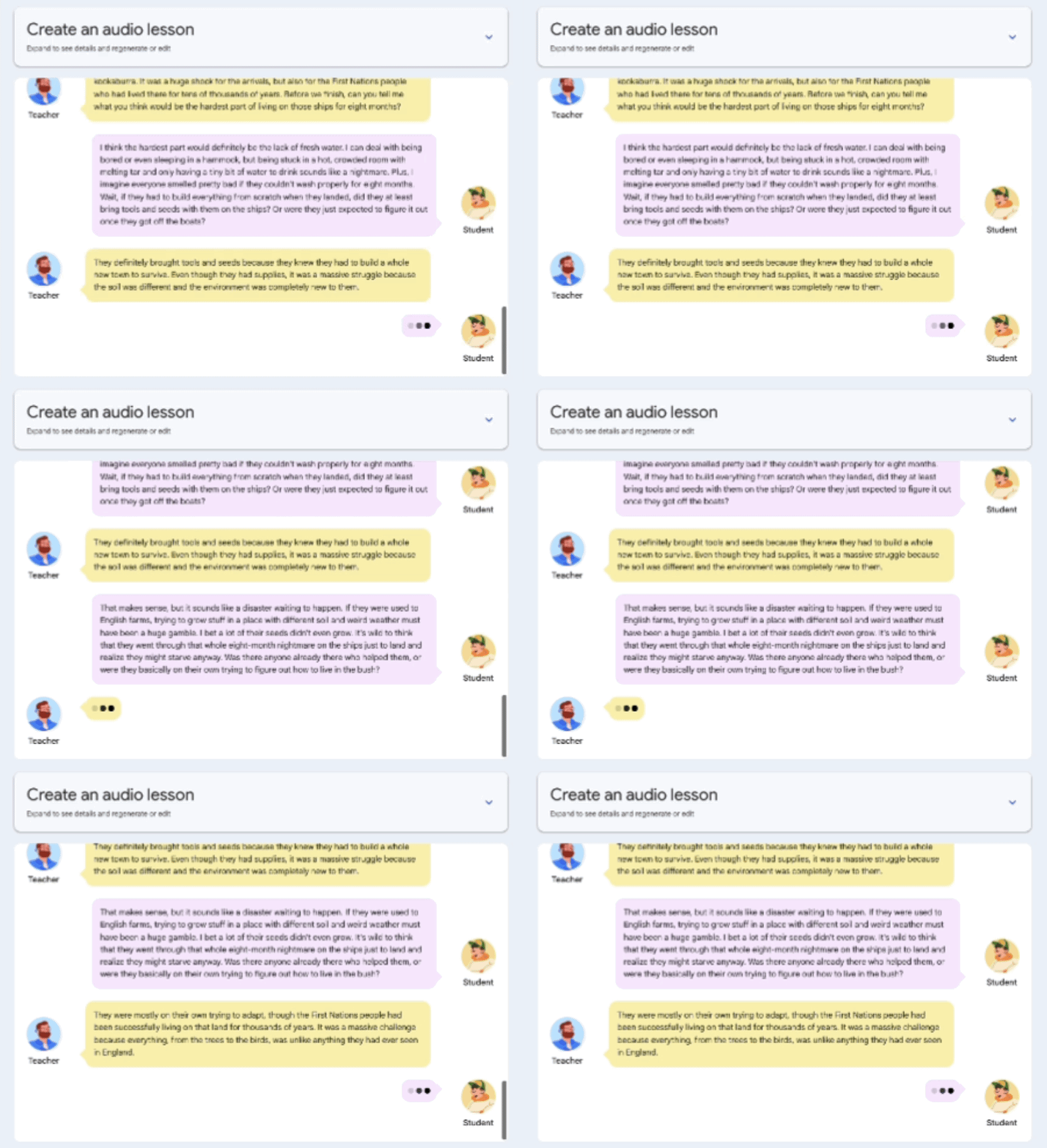
When creating an audio lesson with Gemini, it not only makes an audio lesson, but you can also create Slides that match the audio for students to follow along or refer to later.
⏩ Generate a Rubric from ANY file
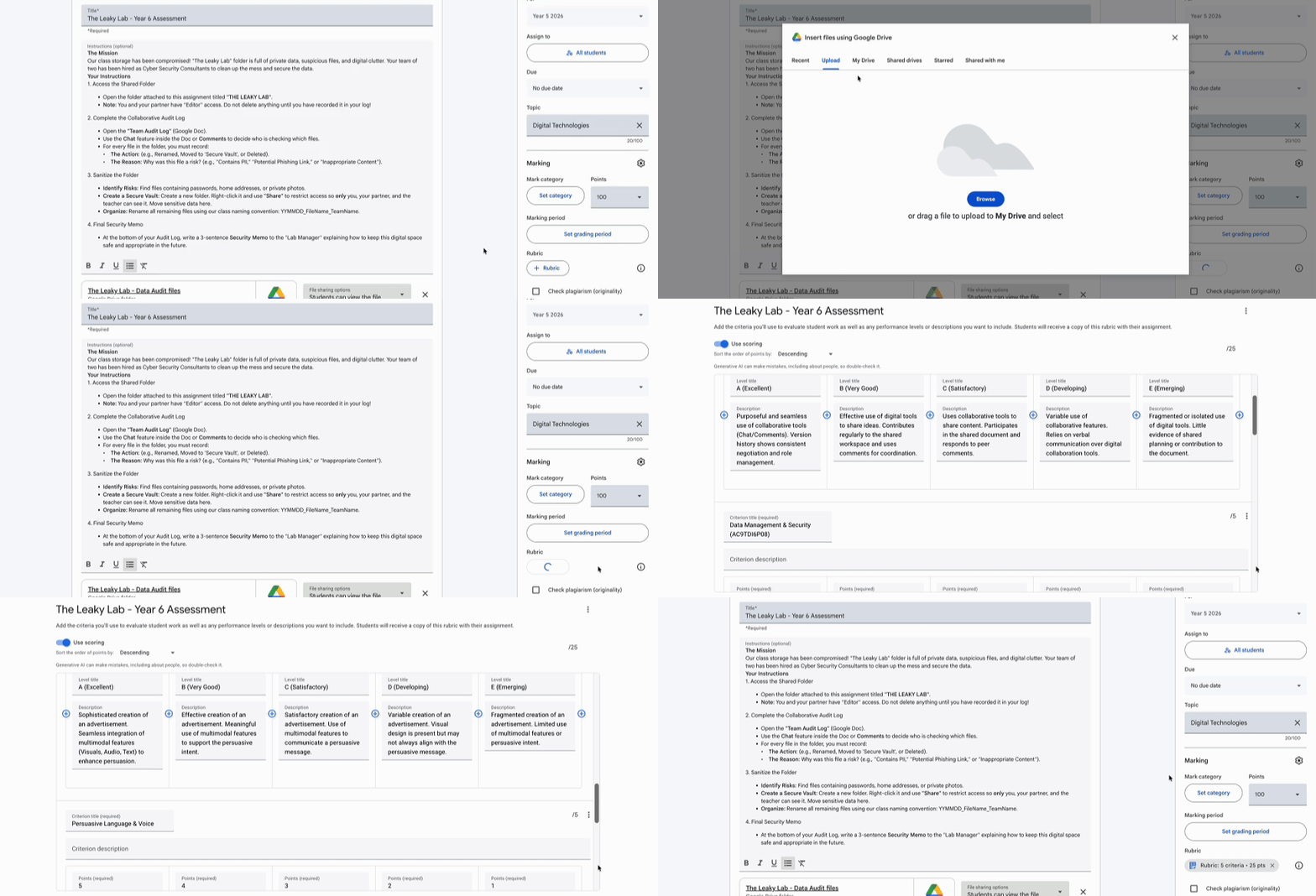
I love doing all my marking inside Google Classroom but setting up the marking criteria can be time consuming… Until now!
Here’s how it works: When creating your assignment, you can add your own assessment criteria in + Rubric. Then, Gemini will identify the markable elements and add them into the marking criteria for you. Once you set up the marking scale, Google Classroom will suggest grades for each task based on the criteria uploaded and the marking scale. It’s a huge time-saver and makes grading a breeze!
What new Google Classroom feature will you try this term to enhance your teaching practice? Don’t forget to check out Part 1 for other Google Classroom updates as well our other blog posts here.
Stay Curious!
📖 Learn on your own time – Head over to our online courses store to check out the different courses we have on offer from our Level 1 and 2 Google Certified Educator Courses to Intro to Gen AI or Google Classroom Masterclass to the Essentials with Docs, Sheets, Gmail and Slides.
🤝 Professional Development – Reach out to us to discuss how we can partner with your school to support your professional development journey.
📣 Events – Watch this space! The 2026 Summits will be announced soon. Follow us on LinkedIn or Instagram for more information.